Follow the instructions below to download the latest version of OptiShot.
MINIMUM SYSTEM REQUIREMENTS
- Windows® Vista, Windows® 7 or Windows® 8
- Graphics Card: 256MB Adapter RAM, OpenGL 2.0 Support, and the latest graphics card drivers installed
- 3GB Hard Disk Drive Storage
- 2GB RAM
- USB 2.0 port
OptiShot version 2.5.0.3080 (175 MB) released 12/21/2012
Download OptiShot
Before installing the software, be sure to take a look at the Quick Start Guide!
If you need to install OptiShot on a computer that does not have an Internet connection or you experience difficulties with the download installation please follow this link to order a Replacement DVD.
INSTALLING
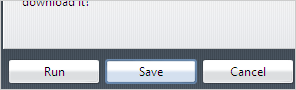
- Save the file to your hard drive.
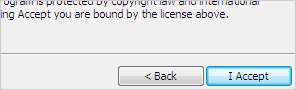
- Open the downloaded file and accept the license agreement.
- Follow the setup wizard steps.
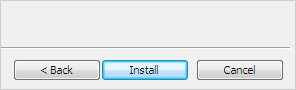
Note: You must have a Product Key to unlock the OptiShot software.
If you experience problems running any installer downloaded from our website please check the that downloaded filename was saved with an extension of .exe. If this occurs simply rename the downloaded file with an extension of .exe, then try running it again.
Comments
Article is closed for comments.